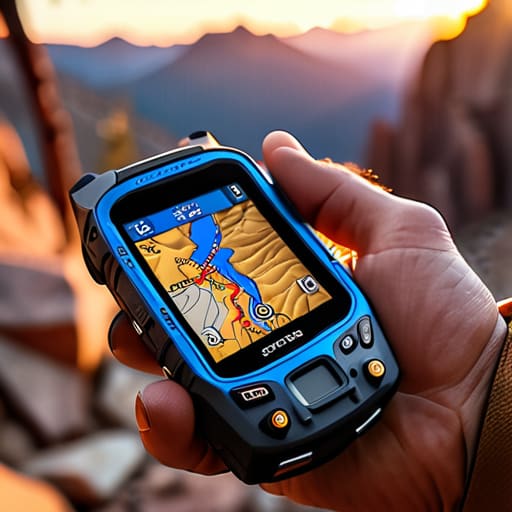

I remember sitting at my workbench last Tuesday, surrounded by the tiny, rhythmic heartbeats of three different mantel clocks, when I realized how much we’ve outsourced our sense of direction to black boxes we don’t actually understand. Most people approach buying a new device by reading glossy brochures about “seamless integration” or “satellite density,” but that is just marketing noise. If you want to know how to choose a GPS or navigation setup that won’t leave you staring helplessly at a frozen screen in a mountain pass, you have to stop looking at the screen and start looking at the logic of the hardware. I spent thirty years teaching physics to teenagers who would rather look at their phones than the stars, and I refuse to let you make the mistake of buying a gadget just because it has a pretty interface.
I am not here to sell you on the latest high-priced toy or some “smart” ecosystem that requires a constant umbilical cord to a cellular tower. Instead, I’m going to show you how to evaluate these tools based on what they do when the signal dies and the battery is gasping for air. We are going to look past the shiny plastic casing and focus on the actual reliability of the components, ensuring you pick a setup that functions as a precise instrument rather than a fragile distraction.
Gps Device vs Smartphone Navigation the Solitude Test
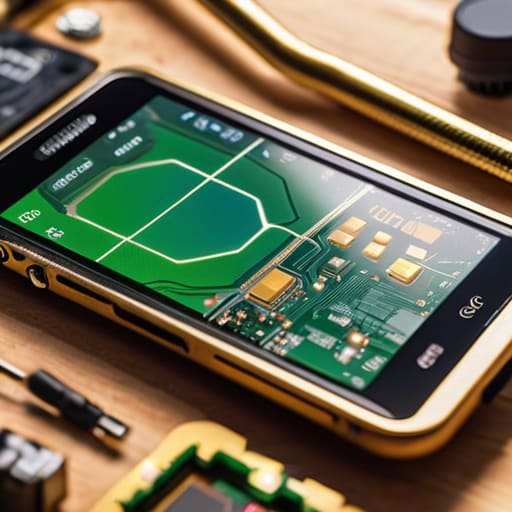
Last Tuesday, I sat at my workbench with my old smartphone and a dedicated handheld unit, stripping back the layers of how they actually “see” the sky. When you compare GPS device vs smartphone navigation, the difference isn’t just in the screen brightness; it’s in the dedicated antenna architecture. My phone is a marvel of miniaturization, but it’s a multitasker. It’s constantly juggling cellular handshakes and background data pings. When I opened the casing, I saw how much of that real estate is dedicated to connectivity rather than pure signal reception. A dedicated unit, however, is a specialist. It doesn’t care about your emails; it only cares about the timing signals from the constellation.
This leads me to my “solitude test”: what happens when the cellular towers vanish? A smartphone relies heavily on A-GPS—using cell towers to “guess” your location before the satellites can lock on. If you lose that data connection in a canyon, the device can stumble. A dedicated navigator, built specifically for satellite navigation accuracy, doesn’t need a handshake from a tower to know where it is. It simply listens to the physics of the signal. If you want something that works when the world goes quiet, you need a tool that doesn’t require a subscription to exist.
Gnss Technology Explained Reliability Beyond the Signal
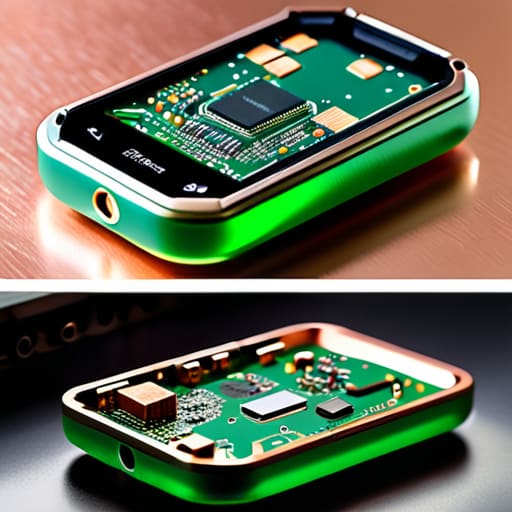
To understand why one device fails where another succeeds, you have to look past the shiny screen and into the antenna. Last week, I sat at my workbench with an old handheld unit and a modern smartphone, both stripped down to their circuit boards. When we talk about GNSS technology explained through a lens of actual utility, we aren’t just talking about “finding your way”; we are talking about how many signals a chip can juggle simultaneously. A smartphone is designed to be a jack-of-all-trades, meaning its antenna is often a tiny, compromised afterthought buried under layers of glass and metal.
A dedicated unit, however, is built with a singular, hungry purpose. When I opened the casing, the difference was clear: the dedicated receiver has a much larger, more specialized antenna footprint designed to catch those weak, bouncing signals from the sky. This is where satellite navigation accuracy actually lives. While a phone relies on a cocktail of Wi-Fi and cellular pings to “guess” where you are when the sky is obscured, a proper navigator is actually doing the math on the raw physics of the signal. If the hardware isn’t built to listen, the software can’t save you.
The Workbench Checklist: Five Things to Look for Before You Commit
- Look for the battery’s physical reality, not its software estimate. I always want to know how long the device stays awake when the screen is dark and the processor is idling. If the manufacturer only gives you a “typical use” number, they are hiding the truth; you need to know how much juice is left when you’re halfway through a trail and the temperature drops.
- Check the antenna’s housing. A GPS is essentially a tiny radio receiver, and if the casing is all thick, reinforced plastic designed to survive a drop, it might inadvertently muffle the very signals it’s trying to catch. I want a device where the signal path is clear and unobstructed, even when tucked into a pocket.
- Test the tactile feedback of the buttons. When you are wearing gloves or your hands are damp from rain, a touchscreen is just a piece of useless glass. I prefer physical, mechanical switches with a distinct click; I need to know, by touch alone, that the command was sent without having to squint at a display.
- Investigate the way it handles “dead reckoning.” A good navigator shouldn’t just give up the moment the satellite line-of-sight is broken by a canopy or a canyon wall. I look for systems that use internal sensors—accelerometers and gyroscopes—to fill in the gaps, essentially guessing your movement based on momentum until the signal returns.
- Verify the map’s data depth. A map is just a collection of stored coordinates, but if those coordinates don’t include the “boring” details like elevation contours or water crossings, the device is just a fancy compass. If the device can’t tell me the slope of the ground I’m standing on when the signal is weak, it isn’t a navigator; it’s just a toy.
The Three Laws of the Road
Don’t trust a screen that relies on a battery you can’t swap; if the power dies and you can’t replace the cell yourself, the device is just a glass paperweight.
Prioritize hardware with dedicated antennas over phone apps; a smartphone is a jack-of-all-trades, but it lacks the specialized, shielded components required to pull a signal out of a thin atmosphere.
Test your gear in the “dead zone” before you leave the driveway; if you haven’t seen how the device behaves when the satellite handshake fails, you don’t actually own it—it owns you.
The Final Inspection
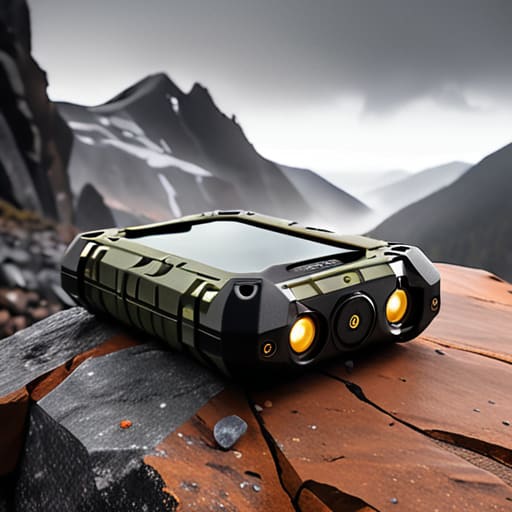
When you finally sit down to make your choice, stop looking at the glossy marketing brochures and start thinking about the mechanical reality of your journeys. You aren’t just buying a screen; you are choosing a specific set of sensors, antennas, and battery chemistry that must function when the environment turns hostile. Remember that a smartphone is a jack-of-all-trades that relies on a fragile ecosystem of cellular handshakes, whereas a dedicated unit is a specialized tool designed to do one thing with unwavering precision. Whether you prioritize the sheer processing power of a phone or the rugged, single-purpose reliability of a handheld GNSS receiver, ensure the device’s limitations are as clear to you as its features.
In the end, the best piece of technology is the one that disappears the moment you stop interacting with it. I spent my career teaching students that understanding the “why” is more important than memorizing the “how,” and the same applies to your gear. Don’t settle for a gadget that requires constant supervision just to keep its signal alive. Choose the setup that allows you to focus on the horizon rather than the interface, because true navigation is about knowing exactly where you are, even when the world around you goes silent.
Frequently Asked Questions
If I'm navigating through a dense forest or a deep canyon, how much does the physical size of the antenna actually matter for catching a signal?
I spent last Tuesday with a handheld Garmin spread open on my workbench, and it reminded me of a fundamental truth: you can’t catch what isn’t there. In a canyon, a tiny smartphone antenna is fighting a losing battle against signal attenuation. A larger, dedicated antenna provides more surface area to gather those precious, weak photons from the satellites. If the aperture is too small, the device simply can’t “hear” the signal through the canopy.
I've heard people talk about "multi-band" or "dual-frequency" receivers—is that just marketing fluff, or is there a real mechanical difference in how they process the satellite data?
It’s certainly not fluff, though the marketing departments certainly try to make it sound like magic. When I opened up my old handheld, I saw a single antenna processing one frequency. Multi-band means the receiver is listening to two different “channels” of the satellite signal simultaneously—usually the L1 and L5 bands. It’s like having two ears instead of one; it allows the device to filter out the “noise” caused by signals bouncing off buildings or trees. It doesn’t just guess your position better; it mathematically cancels out the errors.
When we talk about battery life, are we talking about the device staying on, or how long it can actually maintain a high-precision lock while the processor is working overtime?
That is the exact question most people miss. When a manufacturer claims “20 hours of battery life,” they are usually quoting a laboratory idle state—the device sitting on a desk, sipping power. But once you’re actually moving, the processor is working overtime to calculate your position and the antenna is fighting for a signal. I want to know the “active duty” life: how long it holds a high-precision lock while the screen is bright and the math is heavy.



