

Last Tuesday, I found myself hunched over my workbench, squinting through a jeweler’s loupe at the escapement of a 19th-century French carriage clock. As I nudged a tiny brass gear back into place, I realized my smartphone felt exactly like that clock—cluttered with useless, spinning parts that serve no functional purpose. Most people approach their home screens like a junk drawer, tossing in every shiny new tool they see, but they never actually learn how to choose apps you will keep. We’ve been sold this lie that more features equal more value, when in reality, a device with too many unnecessary moving parts is just a distraction waiting to happen.
I’m not interested in the marketing fluff or the “must-have” lists curated by teenagers in Silicon Valley. Instead, I want to show you how to look under the hood of your digital life. I am going to teach you a method based on mechanical necessity: if an app doesn’t perform a specific, repeatable task when you aren’t even looking at it, it doesn’t belong on your phone. We are going to strip away the digital noise until only the essential components remain.
An App Utility Assessment in the Shadows
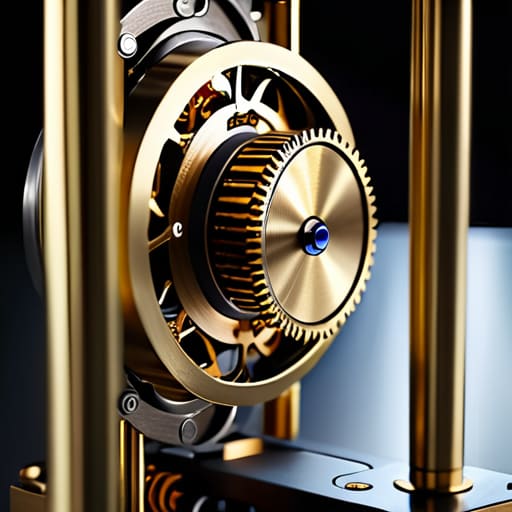
To truly understand if a piece of software belongs on my phone, I use a mental diagnostic similar to how I test a faulty escapement in a pendulum clock. I ask myself: what is this doing when the screen is black? If an app is merely a collection of bright lights and notifications designed to tug at your attention, it’s nothing more than a broken gear—it creates friction without providing any real movement. A proper app utility assessment requires you to look past the shiny interface and find the core mechanism. If you can’t identify the specific problem it solves while you aren’t even looking at it, you aren’t using a tool; you’re being used by one.
I’ve found that the best way to implement effective digital decluttering techniques is to treat your home screen like a workbench. Every item must have a designated function. If an app exists solely to “fill time,” it is cluttering your mental gears. I strip away anything that doesn’t provide a predictable, repeatable service. If it doesn’t perform its task with mechanical precision, it doesn’t earn its place in my pocket.
Curating Essential Mobile Tools for the Quiet Moments
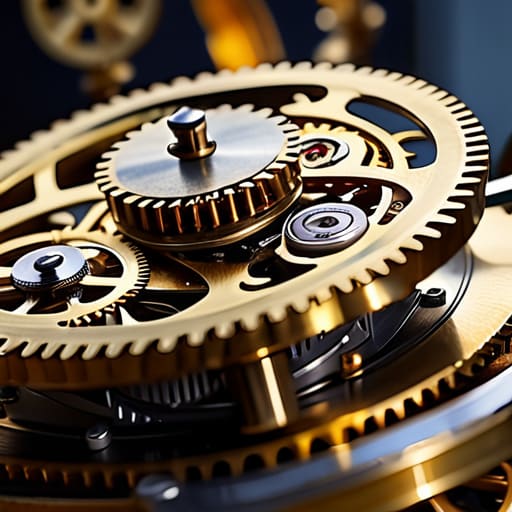
When I sit at my workbench with a 19th-century pendulum clock, I don’t just look at the face; I look at the escapement, the gears, and the way the energy transfers when the room is silent. Your phone deserves the same scrutiny. Curating essential mobile tools isn’t about finding the “best” software according to a reviewer; it’s about identifying the tools that function reliably when you aren’t actively staring at them. I look for apps that act like a well-oiled gear—doing their job in the background, perhaps syncing a calendar or filtering a notification, without demanding my constant visual attention.
If a tool requires you to fight it just to get through a task, it’s a broken mechanism. I’ve found that effective digital decluttering techniques start with this mechanical mindset. If an app’s primary “feature” is simply to keep you clicking, it isn’t a tool; it’s a distraction. I only keep what serves a purpose in those quiet gaps of the day. True utility is found in the silence, not in the noise of a thousand unnecessary pings.
My Five-Point Inspection for Digital Permanence
- Check the energy drain. I once opened a smart thermostat just to see how the relay clicked, and I realized that if an app is constantly pinging your location in the background, it’s not a tool—it’s a parasite eating your battery life while your phone is in your pocket.
- Audit the permissions like a physics lab protocol. If a simple calculator app asks for access to your microphone and your contact list, it’s poorly engineered or, worse, intentionally deceptive; I don’t keep tools that require more information than they provide in utility.
- Look for the “single-purpose” clarity. A good tool should be like a well-made clock escapement: it does one thing with absolute precision, rather than a bloated “all-in-one” mess that crashes because it’s trying to be too many things at once.
- Test the friction. If it takes more than three taps to get to the core function, the mechanism is inefficient. I want my tools to be as intuitive as a manual screwdriver; if I have to fight the interface to get results, I’ll eventually stop reaching for it.
- Verify the update frequency. An app that hasn’t been patched or updated in a year is a machine with rusted gears; it might still turn for now, but you can’t trust it to function reliably when the environment around it changes.
The Mechanics of a Lean Digital Toolkit
If you can’t explain an app’s primary function without using marketing jargon, it’s just clutter; keep only the tools that have a clear, mechanical purpose in your life.
Treat your home screen like a delicate clock movement—every single component must serve a specific gear in the system, or it’s just extra friction.
Periodically “disassemble” your digital habits by deleting anything that doesn’t provide value when the screen is off and the world is quiet.
The Final Inspection
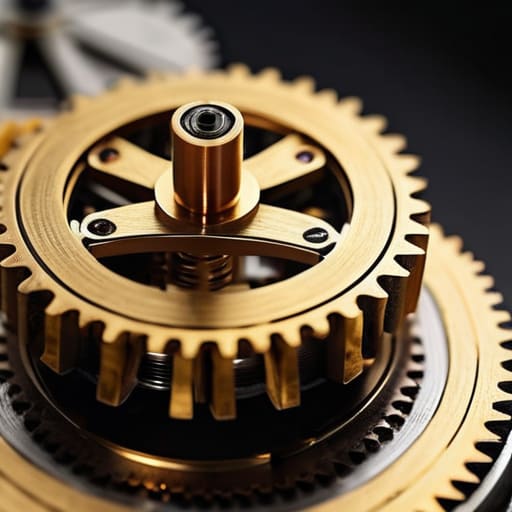
At the end of the day, choosing an app is no different from deciding which gears belong in a delicate clockwork mechanism. You wouldn’t let a stray, rusted cog sit in a movement just because it looks shiny; it would only create friction and eventually grind everything to a halt. The same applies to your phone. If an application doesn’t pass your utility assessment—if it fails to serve a clear purpose during those quiet, unobserved moments—it is nothing more than digital friction. By applying these filters, you ensure that every icon on your screen is there because it performs a specific, reliable function, rather than simply occupying space and draining your mental battery.
I spent decades teaching students that physics isn’t just about formulas on a chalkboard; it is about understanding the hidden forces that govern our world. Technology should be no different. Don’t let your devices become a cluttered junk drawer of “maybe” and “someday.” Instead, treat your digital space with the same respect I give to a disassembled timepiece: keep only what is precise, keep only what is necessary, and keep only what you truly understand. When you strip away the noise, you finally find the true rhythm of a tool that actually works for you.
Frequently Asked Questions
How do I tell if an app is actually useful or if I'm just addicted to the way the interface feels?
When I sit at my workbench with a pocket watch, I look for the escapement—the part that actually regulates the energy. An app has a digital escapement, too. To find yours, put the phone face down. If you reach for it out of habit, that’s just kinetic energy with nowhere to go; it’s a phantom limb. If you reach for it because you have a specific problem to solve, that’s utility. Use the tool, don’t let the tool use you.
What should I look for in the permissions settings to make sure an app isn't "working" in ways I didn't authorize?
I had to pull the casing off my old transistor radio once just to see why the hum wouldn’t stop. Apps are similar; they have hidden currents. When you dig into your settings, look for the “leaks.” If a simple flashlight app is asking for your precise location or access to your microphone, it’s drawing power you didn’t authorize. If the permission doesn’t match the physical mechanism of the task, it’s a ghost in the machine.
If an app is useful but drains my battery too quickly, is it a broken tool or just a poorly designed one?
It’s rarely a broken tool; it’s usually a leak in the plumbing. When I opened up my old grandfather clock, a ticking sound that shouldn’t be there meant friction where there should be flow. An app draining your battery is doing the same thing. It’s likely running background processes—constant, invisible little gears turning when they should be at rest. It isn’t broken, it’s just inefficiently engineered. If it works hard while you aren’t looking, it’s poorly designed.



