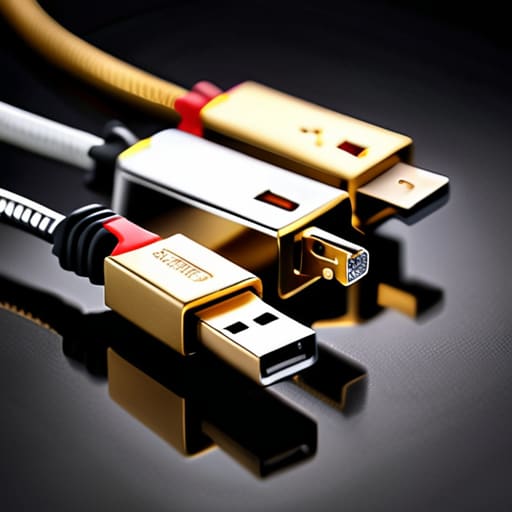

I spent thirty-four years in a physics classroom watching students stare at a textbook as if it were written in ancient Sumerian, and frankly, the way tech companies market cables is no different. They throw around acronyms like they’re casting spells, hoping you’ll just open your wallet and pray. I recently sat at my workbench, surrounded by the tiny, stubborn gears of a dismantled mantel clock, and realized that most people have no clue what USB standards mean in the real world. They see a shiny new cord and assume it’s “better,” but unless you understand the actual physics of the electrons moving through that copper, you’re just buying expensive plastic junk.
I’m not here to recite a manufacturer’s manual or sell you on the latest marketing buzzword. My goal is to strip these connections down to their bare bones—literally and figuratively—so you can see exactly how the power flows and how the data actually travels. I promise to explain this without the jargon, focusing instead on the mechanical reality of what happens when you plug a device in. By the time we’re done, you won’t just know the names; you’ll know exactly which wire is doing the heavy lifting.
Decoding Data Transfer Rates Explained Without the Marketing Fluff
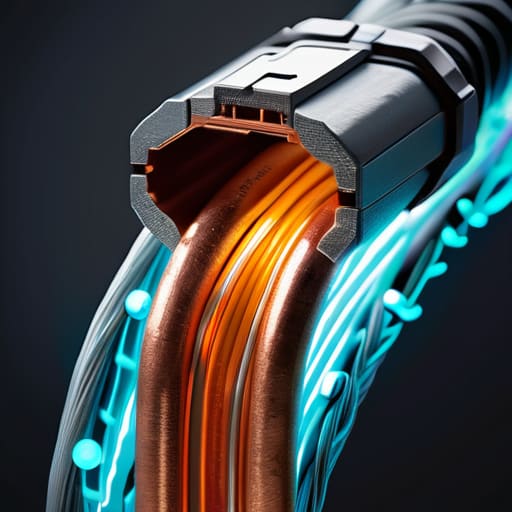
When I opened up my old external hard drive last week, I wasn’t looking for speed; I was looking for the copper. But it reminded me why we get so tangled up in these numbers. When companies talk about data transfer rates explained in their brochures, they usually give you a number that looks impressive on a glossy page, but it rarely tells the whole story of the friction inside the cable. Think of it like a water pipe: the diameter of the pipe matters, but so does the pressure behind it. A high-speed standard is just a wider pipe, but if your computer’s internal controller is still using an old, narrow valve, you’re going to be waiting a long time for that photo folder to move.
This is where the confusion usually sets in, especially when comparing USB 3.2 vs USB 4 performance. It isn’t just about having a “faster” plug; it’s about the handshake between the device and the port. If the handshake is weak, the speed drops. I’ve seen plenty of people buy a high-end cable only to realize the backward compatibility of USB means their device is essentially running in slow motion because the older protocol is taking the lead. It’s not magic; it’s just a matter of how much information can actually squeeze through the gate at once.
Usb C vs Usb a Differences the Anatomy of a Connection
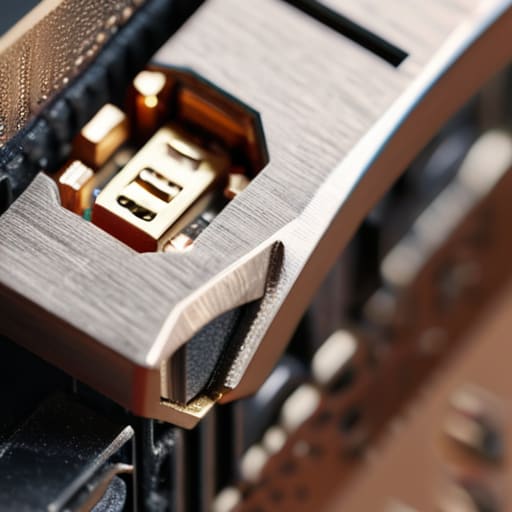
I finally sat down with my old desktop tower and a modern smartphone yesterday, just to see how the physical handshake actually feels. When I unscrewed the casing on my old workstation, I was reminded of why USB-A feels so stubborn. It’s a rectangular, one-way street. Inside that housing, you have four distinct contact points—two for power and two for data—and because of that rigid geometry, you can only plug it in one way (and usually on the third attempt). It is a mechanical limitation that forces a very specific, linear flow of electricity and information.
The USB-C connector, however, is a different beast entirely. When I cracked open a modern tablet to look at its charging port, I saw a much more crowded, symmetrical landscape. Instead of those four simple pins, USB-C uses a much denser array of pins that allow for bidirectional communication. This is where the real magic happens; the device and the cable actually “talk” to each other to negotiate how much juice is safe to send. This clever negotiation is what allows for much more advanced USB power delivery specifications, meaning the cable isn’t just a pipe, but a smart valve.
Five Things to Look for Before You Plug In
- Don’t trust the shape alone; a USB-C connector is just a physical shell, and it can hide anything from a slow charging cable to a high-speed data highway.
- Check the wattage on the brick, not just the port, because if the power source can’t push the juice, your device will just sit there staring at you.
- Look for the little symbols etched near the port; they are the only honest way to tell if you’re looking at a SuperSpeed lane or a narrow country road.
- Always match the cable to the device’s highest capability, otherwise you’re essentially trying to force a gallon of water through a straw.
- Remember that “charging” and “data” are two different jobs, and many cheap cables are built only to move electricity, leaving the data pins completely disconnected.
The Bits, the Bones, and the Juice
Don’t let the labels fool you; a connector’s shape (the bones) tells you nothing about how fast the data actually flows (the bits) through the copper inside.
When you’re choosing a cable, remember that “USB-C” is just the shape of the plug, while the actual speed depends on the specific protocol hidden inside the wiring.
Power delivery is its own beast entirely; just because a cable fits into your device doesn’t mean it has the guts to charge it at the speed you expect.
Beyond the Plastic and Copper
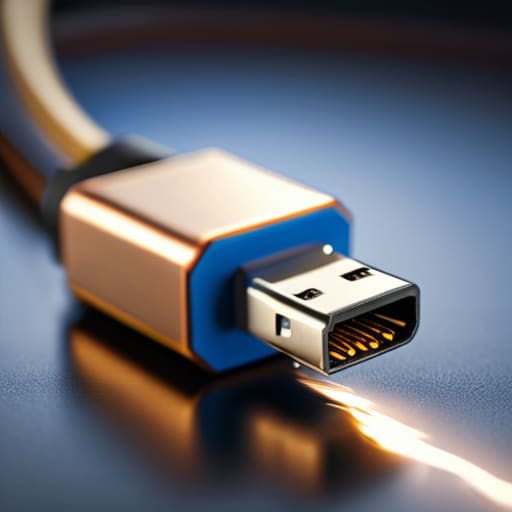
When I look at a tangled mess of cables in my desk drawer, I no longer just see a jumble of white and black plastic. I see the specific handshake happening between a port and a plug. We’ve moved past the days when a connection was just a connection; now, we have to account for the negotiation of power and the precise speed at which bits are dancing through those tiny copper traces. Whether it is the physical shape of the USB-C housing or the invisible protocol governing how much juice flows into your phone, understanding these standards means you aren’t just plugging things in blindly. You are actually matching the tool to the task, ensuring that you aren’t trying to force a high-speed stream through a narrow, old-fashioned pipe.
I spent my career teaching students that physics isn’t something that happens in a textbook; it is happening in the very air around us and in the devices in our pockets. Technology can feel like a black box designed to confuse us, but I promise you, it isn’t. Once you pull back the casing and realize that every standard is just a set of logical rules for physical movement, the mystery evaporates. Don’t let the marketing jargon intimidate you. Keep asking how the current flows and why the data moves the way it does. Once you understand the mechanism, you stop being just a user and start becoming a master of your own tools.
Frequently Asked Questions
If I have a high-speed cable but plug it into a slow port, will it actually work, or am I just wasting my time?
It’ll work, but you’re essentially trying to force a gallon of water through a straw. I’ve seen this plenty of times with my old oscilloscope cables. The high-speed cable is just a well-built highway, but if the port it plugs into is a narrow dirt road, your data can only travel as fast as that slowest component allows. You aren’t wasting your time, but you are definitely leaving speed on the table.
Why does my phone charge so slowly when I use certain cables, even though they all look identical on the outside?
It’s the copper, plain and simple. I opened up one of those flimsy “bargain” cables last week, and the wires inside were as thin as a human hair. When I use a high-quality cable, I’m looking at thicker gauge wire that allows more current to flow without hitting resistance. A thin wire is like trying to force a gallon of water through a drinking straw; the energy just gets stuck, and your phone stays hungry.
Can I actually tell which standard a cable is using just by looking at the plastic, or is the truth hidden inside the insulation?
I wish it were that simple, but the plastic shell is a liar. I’ve spent many afternoons with a hobby knife stripping back identical-looking white cables, only to find one has four thin wires for basic charging and the other has a dense, shielded braid for high-speed data. The “truth” is in the copper and the shielding hidden beneath that insulation. Unless you see a specific symbol etched into the plug, don’t trust your eyes.



