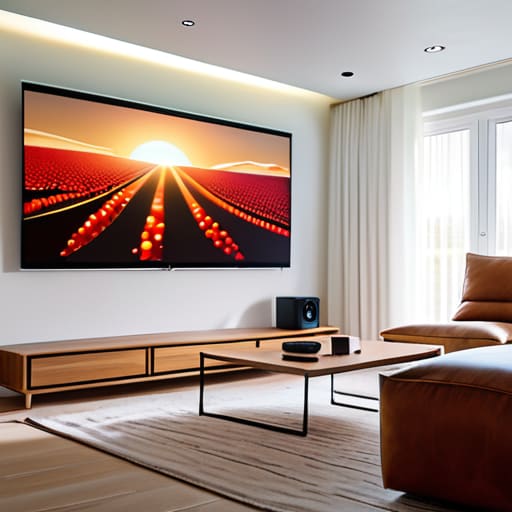

I spent thirty years in a classroom watching students stare blankly at spec sheets, mesmerized by numbers that ultimately meant nothing once the lights went down. Most people approach the question of how to choose a projector by treating it like a math exam—comparing lumens, contrast ratios, and resolution digits as if they were absolute truths. But if you just look at a spreadsheet, you’re missing the point entirely. A projector isn’t just a collection of optical components; it’s a device meant to vanish into the room, leaving nothing behind but the story on the wall. If the machine is making noise or the colors look like they’ve been washed through a muddy sieve, the physics have failed you, no matter what the box claims.
I’m not going to give you a lecture on marketing jargon or tell you that more expensive always means better. Instead, I want to talk about what happens when the power is on and you’re actually sitting in your favorite chair. I’ll help you look past the glossy advertisements and focus on the mechanical reality of how light actually behaves in your living room. By the time we’re done, you won’t just know the specs; you’ll know exactly which machine will disappear the moment the movie starts.
Lumens vs Brightness Finding the Light That Truly Disappears
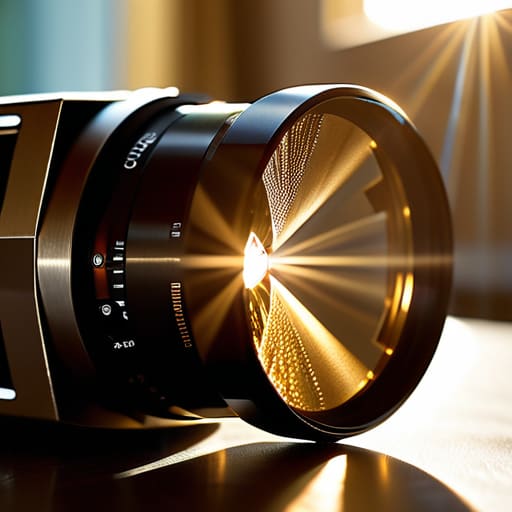
When I opened up my old classroom projector last summer, I wasn’t looking at “brightness” in a vague, emotional sense; I was looking at the intensity of the light source hitting the lens. In the marketing world, they love to throw around numbers, but when you’re comparing lumens vs brightness, you have to remember that a lumen is just a measure of total light output. It’s like measuring how much water comes out of a hose versus how hard the stream hits the garden. If you have a room with even a single window letting in a sliver of afternoon sun, a projector with low lumen output will struggle to fight that ambient light, making your movie look like a faded memory.
I’ve learned through plenty of tinkering that a high number on a spec sheet doesn’t always mean a better picture if the optics are poor. You want enough light to punch through the room’s atmosphere so that the image feels solid, not washed out. My rule of thumb? If you can see the dust motes dancing in the beam more clearly than the actors’ faces, you haven’t got enough luminous flux for that space. You need a light source strong enough to make the screen feel like a window, rather than a translucent ghost.
Native Resolution Explained Seeing the Truth When Nobody Is Watching
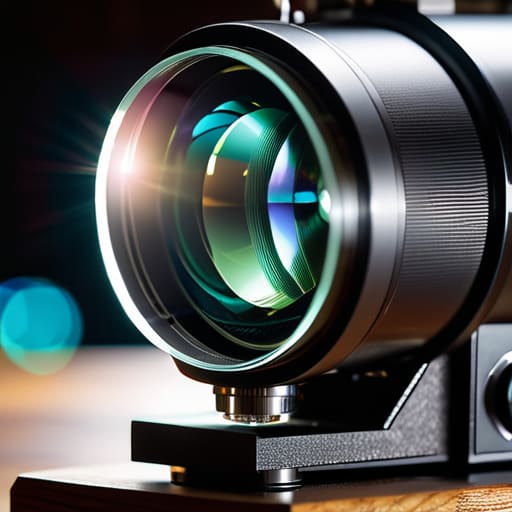
When I sat down with my old Nikon microscope, I learned that a lens is only as good as the sensor behind it. Projectors are no different. You’ll see marketing people throwing around terms like “supported resolution,” which is a bit of a sleight of hand. They might say a projector “supports” 4K, but if the internal chip—the actual physical grid of pixels—is only 1080p, you aren’t seeing 4K. You’re just seeing a blurry, upscaled version of a smaller image.
This is why native resolution explained simply is so vital: it is the actual number of tiny light-emitting dots the machine can produce. I spent last Tuesday with a screwdriver and a magnifying loupe examining a small DLP chip, and seeing that tiny, rigid lattice of mirrors makes the concept much clearer. If the native resolution doesn’t match your content, you’re essentially trying to stretch a small piece of silk over a large frame; it might cover the area, but the texture will look stretched and dishonest. Don’t let them sell you on “compatibility” when what you really need is the actual physical pixel count to match your eyes.
The Unseen Mechanics: Five Things to Check Before You Plug It In
- Don’t let the “supported resolution” fool you. I’ve opened up enough cheap units to know that just because a box claims it can play a 4K signal doesn’t mean the internal chip can actually show it. If the native resolution isn’t what you need, you’re just looking at a blurry lie.
- Listen to the fan, not the salesperson. When I’m working on a delicate clock, I need silence; a projector shouldn’t sound like a jet engine taking off in your living room. If the cooling system is poorly designed, it’ll drown out the very movie you’re trying to watch.
- Check the throw ratio, or you’ll end up with a very expensive flashlight. You need to measure your room’s physical dimensions first. If the lens can’t focus a sharp image from the distance your coffee table allows, it doesn’t matter how many lumens it has—it’s useless to you.
- Look closely at the color gamut, not just the “vibrancy” marketing fluff. I want to see how the machine handles the transitions between shades. If the internal color processing is cheap, your sunsets will look like orange smears rather than a gradient of light.
- Think about the connectivity, specifically the lag. If you’re planning to hook this up to a gaming console, you need to know if the internal processing creates a delay. There is nothing more frustrating than pulling a lever and having the result happen a second too late.
The Physics of a Perfect Picture
Stop obsessing over the marketing numbers on the box; instead, measure how much light actually reaches your eyes when your curtains are drawn.
A high resolution is useless if the internal light engine can’t sustain the clarity, so always check if the resolution is “native” rather than just “supported.”
The best projector is the one you forget is even in the room—it should provide the image, not the distraction of a loud fan or a flickering bulb.
The Final Assembly
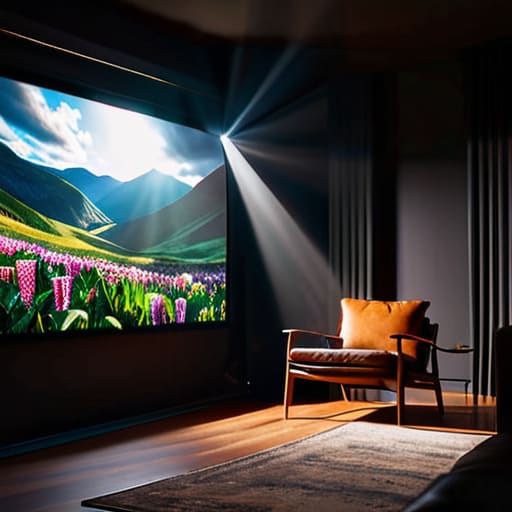
At the end of the day, choosing a projector isn’t about collecting the highest numbers on a spec sheet like they’re trophies. It’s about understanding how the light interacts with your specific room. You need enough lumens so the image doesn’t wash out the moment someone moves a curtain, and a native resolution that holds its integrity so you aren’t squinting at a pixelated mess during the climactic scene. I’ve spent enough time with a screwdriver in hand to know that a device is only as good as its ability to perform its primary function without drawing attention to its own mechanical struggles. If you balance the brightness with a sharp, honest resolution, you’ve done the hard work of aligning the physics with the experience.
Once you find that perfect balance, something wonderful happens: the machine itself seems to vanish. The fans quiet down, the light settles into the screen, and suddenly, you aren’t looking at a plastic box throwing photons across a room; you are looking at a world. That is the ultimate goal of any well-engineered tool. We take things apart to see how they work, but we buy them so they can eventually disappear, leaving us with nothing but the story being told. Go find the machine that knows how to stay out of your way.
Frequently Asked Questions
Does the noise from the cooling fan actually matter if I'm sitting in a quiet room?
I spent yesterday afternoon with my screwdriver out, cleaning the dust buildup from a cheap unit’s intake vent. When those little fans spin up to keep the lamp from melting, they aren’t just “whirring”—they’re creating a constant, mechanical drone. If you’re sitting in a quiet room for a film, that noise becomes a physical presence. It’s like a guest who won’t stop humming in the corner; eventually, you stop noticing it, but it’s always there.
If I have a tiny living room, will the projector still be able to throw a decent-sized image on my wall?
I spent yesterday morning squinting at the lens assembly of my old overhead, and it reminded me of this exact problem. It all comes down to the “throw ratio”—the relationship between how far the device sits from the wall and how much light it spreads. If your room is cramped, you don’t need a miracle; you need a “short-throw” lens. These are engineered to bend the light more aggressively, giving you a large image without needing a runway.
Is there a difference between the "supported" resolution and what the machine actually produces when I'm watching a film?
Oh, there is a massive difference. Think of “supported resolution” like a menu at a restaurant; it tells you what they can make, but it doesn’t guarantee the quality of the meal. When I opened up my old digital scaler last week, I saw exactly how it happens: the machine takes a high-quality signal and forces it through a physical grid of tiny liquid crystal pixels. If that grid isn’t actually 4K, it’s just performing a mathematical trick to make a lower resolution look larger. You aren’t seeing more detail; you’re just seeing a stretched version of what was already there.



