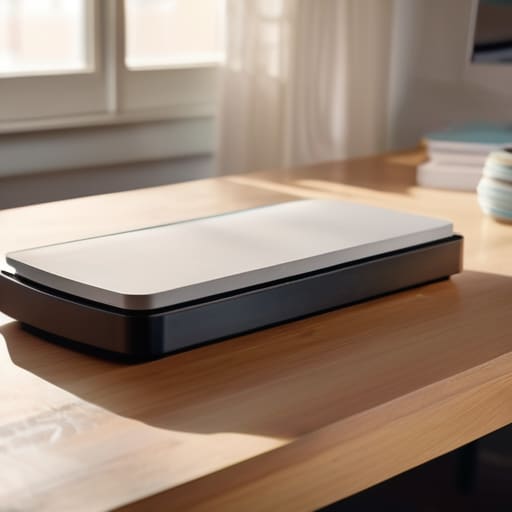

Most people approach a shopping guide for office equipment as if they are reading a physics textbook, drowning in a sea of “megapixels” and “optical resolution” numbers that don’t actually mean a thing in a real kitchen or home office. They get blinded by the shiny spec sheets, but if you want to know how to choose a scanner that won’t end up in my scrap bin, you have to stop looking at the marketing jargon and start looking at the mechanics. A scanner is really just a specialized camera that uses a light source to trick a sensor into seeing a flat image, and if the manufacturer won’t tell you how that light moves across the glass, they are likely hiding a cheaply made motor or a finicky sensor.
I’m not here to sell you on the latest high-speed industrial model that requires a degree to operate. Instead, I promise to strip away the fluff and look at the actual guts of these machines—from the grit of the rollers to the way the software actually handles a messy pile of receipts. I will show you how to find a device that does its job quietly and reliably even when you aren’t standing right there to supervise it.
Scanner Types for Home Office Finding Your Rhythm

Most people think they need a machine that can do everything, but once I opened up my first desktop unit, I realized that “everything” is usually a compromise. If you are sitting at a desk most of the day, you are likely choosing between an automatic document feeder vs flatbed setup. The flatbed is the honest worker; it’s a piece of glass where you lay a single item down, and a light bar crawls underneath to capture the image. It’s perfect for a single, fragile heirloom, but it’s a slow way to live if you have a mountain of tax returns.
On the other hand, if your rhythm involves clearing a desk every Friday, you want something with a feeder. These machines grab a stack of paper and pull them through a roller mechanism, one by one. You’ll see numbers like scanning speed ppm on the box, which is just a fancy way of telling you how many pages the motor can swallow per minute. For most of my home office tasks, I prefer the speed of a feeder, but I always keep a small flatbed nearby for the things that shouldn’t be fed into a hungry machine.
Automatic Document Feeder vs Flatbed the Mechanics of Silence
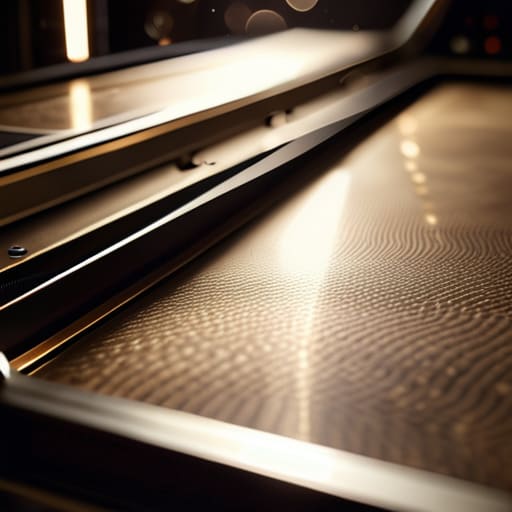
I spent yesterday morning with my jeweler’s loupe and a set of precision drivers, looking at the underside of a standard flatbed. When you lift that glass lid, you aren’t just looking at a window; you’re looking at a stage where a tiny, motorized carriage carries a sensor lamp across a fixed landscape. This is the essence of photo scanning quality. Because the paper stays perfectly still while the sensor moves, there is no mechanical vibration to blur the image. It is a slow, deliberate dance of light, which is why it’s the only way to handle a delicate heirloom photograph without the risk of a roller chewing it into confetti.
On the other hand, the automatic document feeder (ADF) is a different beast entirely. I’ve pulled these apart too, and they are essentially a series of rubberized friction wheels designed to grab one sheet at a time. They rely on a calculated tug-of-war to pull paper through a narrow slit. If you are looking at automatic document feeder vs flatbed comparisons, remember that the ADF is built for momentum—measured in scanning speed ppm—while the flatbed is built for stillness. One is a conveyor belt for your chores; the other is a microscope for your memories.
Five things to look for once the casing is off
- Don’t let the megapixel count dazzle you; look at the sensor type instead. A CIS sensor is thin and cheap, perfect for a slim device, but it’s essentially a passive observer that needs its own light source to see anything. If you want a scanner that can actually read a faded old photograph without squinting, you want a CCD sensor—it has its own lens and light, giving it a depth of field that a flat, thin sensor simply can’t mimic.
- Check the “duty cycle,” which is just a fancy way of asking how much work the rollers can take before they start slipping. If you’re scanning a single letter a week, it doesn’t matter, but if you’re digitizing a box of tax returns, you need a motor and a paper path designed for friction, not just for show.
- Look at the software, but not the glossy screenshots. I want to know what happens when the machine is idle. Does the driver sit in the background eating up your system memory like a hungry student, or can it actually automate the “boring” parts, like naming a file based on what it sees on the page? If the software is a layer of unnecessary complexity, the hardware is useless.
- Inspect the paper path for “blind spots.” When I take these machines apart, I look for where the paper makes its sharpest turn. If there’s a tight, jagged angle in the mechanism, that’s exactly where your thin receipts or your precious old letters are going to get crumpled or stuck. A good scanner should feel like a gentle conveyor belt, not a paper shredder in disguise.
- Consider the footprint of the actual moving parts. A scanner that claims to be “compact” often achieves that by cramming the motor and the scan bar into a space that’s impossible to clean. If you can’t get a can of compressed air or a small brush into the crevices to clear out the inevitable dust and paper lint, the machine will start “lying” to you with streaks on your images within a month.
What to remember when the lid is closed
Don’t buy a high-speed feeder if you only ever scan single, fragile photos; you’ll end up with a complicated machine that sits idle, and a flatbed is much kinder to old paper.
Look past the “megapixels” on the box and focus on the sensor type; you want something that captures light cleanly so you aren’t spending your afternoon squinting at digital grain.
Before you commit, ask yourself if the software is a tool or a chore—if the driver requires ten clicks just to save a simple PDF, it’s a poorly designed mechanism that will only frustrate you.
The Final Inspection
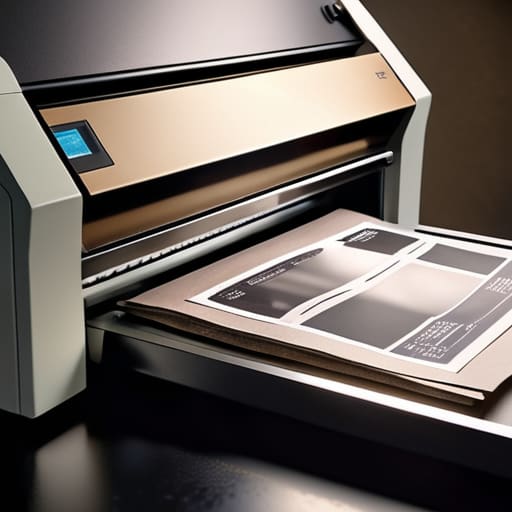
At the end of the day, choosing a scanner isn’t about chasing the highest megapixel count on a glossy brochure; it’s about matching the machine to the physical reality of your desk. If you are digitizing a lifetime of loose-leaf receipts, you need that reliable feeder that won’t jam when the paper gets thin. If you are preserving delicate, old family photographs, you need the controlled, gentle environment of a flatbed glass. I always tell my students that a tool is only as good as its weakest mechanical link, so make sure you aren’t buying a high-speed engine for a car that only needs to drive to the mailbox.
Once you have the right device sitting on your desk, the real magic happens when you stop thinking about the sensors and the stepper motors and start seeing the results. A good scanner should feel less like a complex computer peripheral and more like a seamless bridge between your physical archives and your digital life. Don’t let the technical jargon intimidate you. Once you understand the simple dance of light hitting a sensor, you’ll realize that these machines are just tools to help us keep our stories organized. Now, go find a machine that actually works as hard as you do.
Frequently Asked Questions
If I buy a scanner with an automatic feeder, how often am I actually going to have to clean the rollers to keep it from jamming?
If you’re running through a stack of crisp, laser-printed reports, you might get away with months. But if you’re scanning old family photos or those messy, ink-smudged receipts from the grocery store, you’ll be cleaning those rubber rollers every few weeks. Dust and paper lint act like tiny ball bearings, making the rollers slide instead of grip. If you notice a streak or a jam, don’t fight the machine; just wipe the rollers with a bit of isopropyl alcohol.
Does the resolution really matter for my old family photos, or is that just a number they put on the box to make it look impressive?
I opened up my old Epson last week to see why the sensor was acting up, and it reminded me: resolution isn’t magic; it’s just a grid of tiny buckets catching light. For your old photos, that number on the box matters, but only up to a point. If you want to blow up a tiny 4×6 to a poster, you need more “buckets” to keep it from looking like a mosaic. Otherwise, you’re just buying digital clutter.
How much space is this thing actually going to take up on my desk when it isn't actively pulling paper through its guts?
I spent yesterday morning clearing my workbench just to see if a compact sheet-fed scanner could actually live next to my clockwork parts. Here is the truth: a flatbed is a permanent resident; it demands its own real estate and won’t budge. But a small, portable scanner? It’s little more than a thick paperback. When it isn’t busy swallowing your receipts, you can tuck it into a drawer and forget it exists.



